Command a Squad Tips & Tricks
Practical habits that win flags after the tutorial ends.
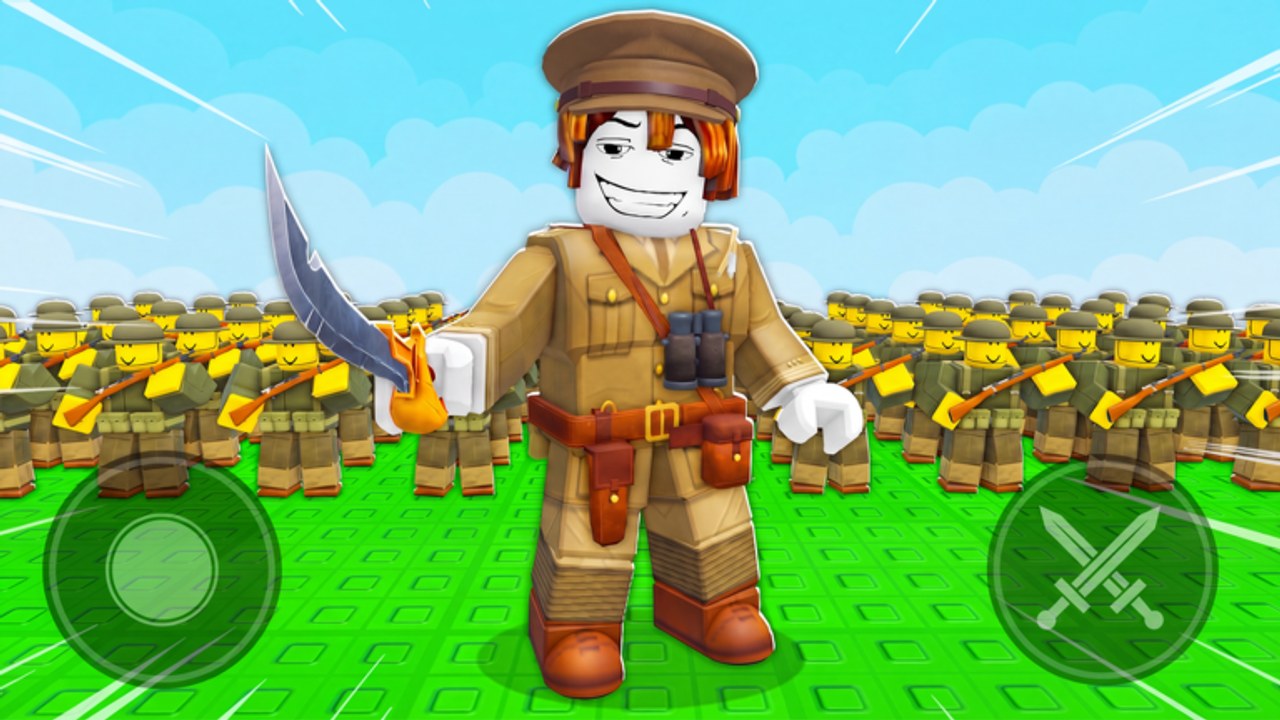
These Command a Squad tips focus on habits that keep showing up in creator sessions and public lobbies after the November 20, 2026 all-ages release. Pair them with How to Command and the Units Tier List — tips amplify a mixed squad; they do not replace one.
Tip 1 — Play the flag timer, not the highlight reel
Kills feel good. Capture ticks win the round. If your squad is trading beautifully on a ridge while the active point is empty, you are losing elegantly. After every fight, ask: “Are we on the objective?” If not, Follow back.
Tip 2 — Regroup before every rotation
Strung-out riflemen die one by one. Hit Follow before you crest a trench line, before you rotate from Gallipoli-style corridors, and after every messy clash. Your commander is the rally banner — move with intent.
Tip 3 — Soft first, then step on the dirt
Open nests with machine-gun Hold, artillery, or flamethrowers before infantry walks into the doorway. Rush into a fresh Hold is how S-tier units vanish. The Tanks & Artillery guide covers the heavy version of this idea.
Tip 4 — Tanks are slow, blind, and expensive
Creator tank sessions show the same failure modes: long drives to the frontline, heavy screen shake when you drive yourself, blind spots, and maps that simply refuse armor. Bring a tank when infantry can finish the capture behind it. If the map blocks tanks, switch servers or switch loadouts — do not park Gold in a dead slot. The video below is a real tank session worth watching once.
Tip 5 — Medics multiply every other tip
A squad that returns after a volley holds longer than a glass push that wins one fight. Slot a medic before you buy a second novelty weapon. See Recruit & Upgrade for the spend order.
Tip 6 — Match weapons to map geometry
- Tight trenches / bunker mouths (Gallipoli-style): flamethrowers and short Holds shine.
- Wide approaches / ridges (Fir Ridge-style): machine guns and patient Attack beats flame spam.
- Open rotation paths: cavalry can punish routers; do not cavalry-Hold a long defense.
Read Capture Points for attack and defense flows on those geometries.
Tip 7 — Spend codes before you experiment
Redeem RELEASE (250 Gold) and BETA (500 Gold) on the Codes Hub before you buy random duplicates. Early Gold should buy the infantry + MG + medic core, not three identical weak packs.
Tip 8 — One order drill per match
Pick a constraint: “no Rush this round” or “Hold only on the named lane.” Constraints build muscle memory faster than watching another montage. Controls and prompts are listed in Controls & Orders.
Tip 9 — Ranked and sweaty lobbies punish mono-stacks
Creator first-looks already mention ranked queues around launch. Expect mixed enemy comps. Bring a flexible loadout and be ready to Attack the breakthrough piece (tank / flame) instead of chasing every rifleman.
Tip 10 — Ignore random script promises
There is no safe “auto win” executor package for this place yet. The Scripts Hub explains the risk. Ban bait and cookie stealers will use the hype around a new WW1 title — do not take the bait.
Quick checklist before queue
- Codes claimed
- Infantry + MG + medic present
- Know whether the map favors flame or MG
- Follow bound in your head for the first rotation
- Discord open for hotfix pings (
discord.gg/gkqPxVK2N)
Related pages
Run these tips for a week of public matches. When a patch changes damage numbers, keep the habits — only retune the shopping list on the tier list.
Frequently Asked Questions
Quick answers to the most common questions.
What is the single best tip for new Command a Squad players?
Regroup with Follow and stand on the active capture point. Fancy units lose if the flag is empty.
Should I always bring a tank?
No. Some maps block tanks, drives are slow, and armor still needs infantry to finish captures.
Do tips replace the tier list?
No. Tips are habits. Use the units tier list and loadouts pages for what to buy.
Where do new tips come from after patches?
Creator sessions, Discord announcements, and live Roblox build changes. We fold stable habits here and volatile numbers into Updates.