Command a Squad Getting Started
Your first hour in Wagyu Games' WW1 squad commander — from tutorial to first capture.
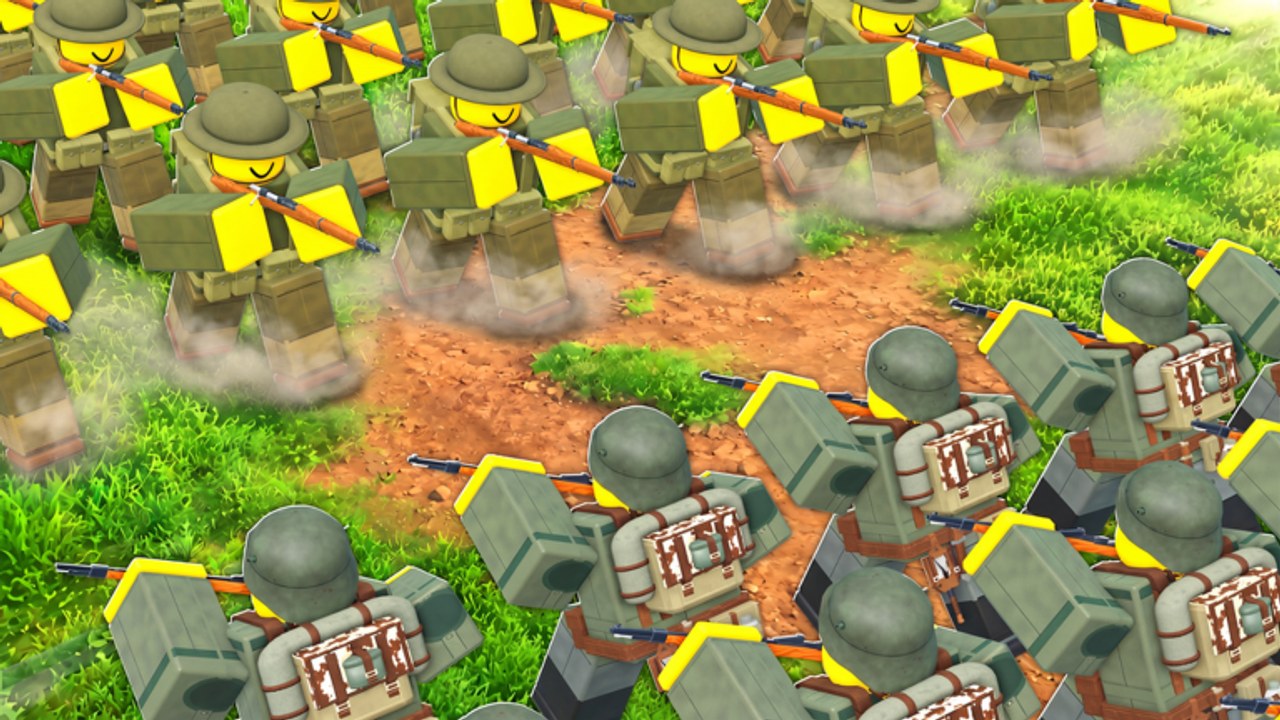
Command a Squad is a Roblox WW1 commanding game by Wagyu Games. You lead an AI squad through team-vs-team matches, recruit soldiers and vehicles, and win by capturing points — not by chasing a meaningless K/D. This beginner guide gets you from a fresh join to a competent first hour.
What you are playing
Think of it as trench warfare with direct squad orders: riflemen, machine gunners, medics, flamethrowers, cavalry, field artillery, and tanks. Matches are compact (the experience caps around ten players), so every bad order is visible. The all-ages release landed on November 20, 2026; the place ID is 73141787999911.
Step 1 — Finish the tutorial
Do not skip it. The tutorial teaches how to move, how to issue squad orders, and how the capture flow feels. When it ends you receive starter troops. They are not permanent endgame units — they exist so you can play immediately while you learn the order wheel.
Step 2 — Claim free Gold
Open the Codes Hub and redeem:
RELEASE— 250 GoldBETA— 500 Gold
That early Gold is the difference between a thin starter line and a squad that can actually trade. Favorite the experience and join the Wagyu Games group when social rewards are offered.
Step 3 — Build a starter squad with roles, not vibes
Your first purchases should cover:
- Infantry — someone who can stand on the flag
- Machine gunners — suppression on approaches
- Medic — keep the squad in the fight
Only after that trio exists should you eye flamethrowers, artillery, or a tank. Full rankings live on the Units Tier List; the spend order is expanded in Recruit & Upgrade.
Step 4 — Learn four orders before fancy tactics
You will lose matches with great units and bad orders. Learn Follow to regroup, Hold to plant on a lane, Attack to focus a target, and Rush for short commits. Deep timing notes are in How to Command Your Squad. Until those four feel natural, ignore highlight-reel plays.
Step 5 — Play the objective
Attackers push a chain of points; defenders delay and Hold. Standing on the contested flag with your squad nearby matters more than a distant sniper duel. Map-specific habits for Gallipoli-style trenches and Fir Ridge-style approaches are covered in How to Capture Points.
Watch a real first-look session
The video below walks through pick-a-side, recruiting, Gallipoli, holding a point, flamethrowers and artillery, tier upgrades, and Fir Ridge. Use it as a visual companion after you finish the written steps above.
First-hour checklist
- Tutorial complete
-
RELEASEandBETAredeemed - Infantry + machine gunners + medic fielded
- Practiced Follow → Hold → Attack in one match
- Bookmarked Codes, Tier List, and this wiki
- Joined the official Discord for patch pings (
discord.gg/gkqPxVK2N)
Common beginner mistakes
- Spending all Gold on a tank with no infantry screen
- Leaving Rush on for the entire match
- Ignoring medics until the squad is permanently dead
- Fighting away from the active capture point
- Pasting unrelated game scripts (see Scripts Hub)
What to read next
Master the checklist once, then let match reps refine your sense of timing. Command a Squad rewards commanders who think in flags and cooldowns, not only in muzzle flashes.
Platform notes
Command a Squad runs inside Roblox on PC, mobile, and console clients that Roblox supports. UI scale and key prompts differ by device, so treat on-screen labels as the authority when a guide mentions Follow or Hold. If you play on touch, practice issuing orders in a quiet match before you jump into sweaty lobbies.
After your first win
Screenshot your roster, note which role felt weak, and adjust with the tier list before the next spend. Then skim the November 2026 release page so you know what launched with the all-ages build.
Frequently Asked Questions
Quick answers to the most common questions.
Is Command a Squad free on Roblox?
Yes. It is a free Roblox experience by Wagyu Games. Optional purchases may exist, but codes and match rewards fund early progression.
When did Command a Squad release?
The all-ages release was November 20, 2026, after a public testing window.
What should I buy first?
Infantry, machine gunners, and a medic. Redeem RELEASE and BETA first so the purchases hurt less.
Where is the official Discord?
Community creators and the game page point players to discord.gg/gkqPxVK2N for announcements and codes.