Command a Squad Controls & Orders
Know what each order does — then verify the live key prompt after every patch.
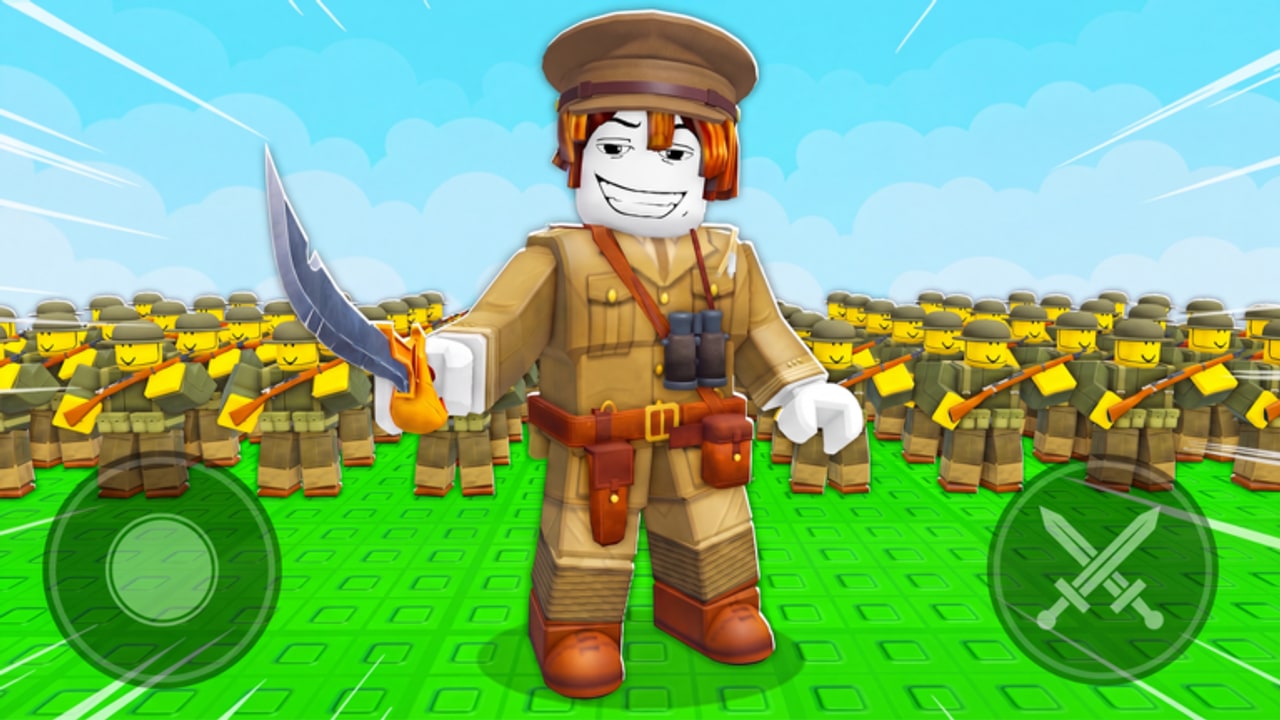
This Command a Squad controls page explains the jobs behind every squad order and how to treat keybinds on PC, mobile, and console. Wagyu Games can reshuffle prompts after hotfixes, so always trust the on-screen label over a remembered key from last week.
Squad orders (jobs that do not change)
| Order | What your AI squad does | When to press it |
|---|---|---|
| Follow | Regroups on your commander and moves with you | Rotations, open ground, after messy fights |
| Hold | Plants on a spot and fights from there | Flag defense, lane denial, brief setup before a push |
| Attack | Focuses a target or nearby threat you designate | Clearing a nest, focusing a tank, deleting a clump |
| Rush | Aggressive short commit forward | Last meters onto a softened point, finishing routers |
Mental model: Follow while moving → Hold while scoring or denying → Attack when you have a named problem → Rush only as punctuation. Deep timing examples live in How to Command Your Squad.
Why we do not hardcode a permanent key table
Sister Wagyu / Fight Fight Fight titles often use letter keys for Hold / Follow / Attack / Rush, but Command a Squad is its own experience. Mobile clients show buttons instead of letters. Console players get gamepad prompts. A wiki that invents a frozen PC table will lie after the next UI pass. Learn the order names, then glance at the HUD every session.
Personal combat vs squad orders
You still fight as a soldier: aim, take cover, revive or support depending on the live kit. Squad orders are a separate layer. Winning players switch layers constantly — shoot a threat, then tap Follow so the blob does not stay in the crater you just cleared.
Platform tips
PC
- Rebind only after you understand the default order wheel.
- Keep order keys close to movement so you can Follow without looking away from the trench mouth.
- If a patch moves prompts, reset to default once before inventing a new scheme.
Mobile / touch
- Practice issuing Follow and Hold in a quiet match before ranked or sweaty public lobbies.
- Fat-finger Rush is common — pause a beat before the aggressive button when you meant Hold.
- UI scale can hide the Codes button; rotate to landscape if menus feel cramped.
Console
- Confirm order prompts in the pause or tutorial overlay after any Roblox client update.
- Prefer Hold on defense when thumbstick combat already eats your attention.
Tutorial checklist (do not skip)
The in-game tutorial is the only forced walkthrough of the four orders. Stay until it ends. You receive starter troops afterward, and the Codes UI is more reliable once that lesson completes — see Getting Started and Codes.
Common control mistakes
- Leaving Rush on for an entire match
- Never pressing Follow after a wipe
- Holding on a scenic hill instead of the named capture lane
- Attacking empty space while the flag flips elsewhere
- Assuming Command An Army keybinds still apply one-for-one
Practice drills
- Follow-only rotations — one match where every move starts with Follow.
- Hold-lane defense — plant only on the approach the objective names.
- Attack-named-target — call out one bunker or tank before you Attack.
- Rush budget — allow yourself three Rushes max per round.
Related pages
- How to Command — timing and round flows
- Tips & Tricks — habits that use these controls
- Capture Points — where to Hold
- Best Loadouts — what to field while you practice
- Squad Roles — who benefits from Hold vs Rush
Master the jobs first. Keys are just labels on those jobs. When a hotfix changes a binding, your brain should still know whether you needed Follow or Hold.
Frequently Asked Questions
Quick answers to the most common questions.
What are the four Command a Squad orders?
Follow, Hold, Attack, and Rush. Exact keys can change — read the on-screen prompts.
Do PC keybinds match Command An Army?
The order philosophy is similar, but Command a Squad is a separate game. Verify prompts in your build.
Can I rebind orders?
If the Roblox experience exposes remaps, change them only after you know the defaults. Otherwise use the HUD labels.
Why does Rush feel strong but lose games?
Rush donates units into prepared Holds. Save it for short commits after you soften the point.